10 Essential Steps to Optimize Your Google Business Profile for Maximum Visibility
Optimize Your Google Business Profile
Introduction
If you're a local business owner, your Google Business Profile (GBP) is one of the most powerful tools to attract new customers. Optimizing your profile ensures that your business stands out in local searches, appears in Google Maps, and gets more engagement from potential customers.
In this guide, we’ll walk you through 10 essential steps to optimize your Google Business Profile so you can boost your online visibility, improve credibility, and generate more leads.
1. Claim and Verify Your Google Business Profile
The first step is to claim and verify your Google Business Profile. If you haven’t already, follow these steps:
Go to Google Business Profile.
Search for your business name to check if it already exists.
If it does, claim it; if not, create a new profile.
Follow Google’s verification process via postcard, phone, or email.
Why it matters: Verification proves you’re the rightful owner, allowing you to update information and manage customer interactions.

2. Ensure Your Business Information Is Accurate & Complete
Your business details should be consistent, accurate, and fully completed, including:
Business Name (matches your real-world name)
Address (consistent with your website and other directories)
Phone Number (a local number is best)
Website URL (direct link to your homepage or relevant service page)
Business Hours (keep these updated, especially for holidays)
Why it matters: Incomplete or incorrect details can confuse customers and hurt your local search rankings.

3. Write a Compelling Business Description
Your business description should clearly explain what you offer, who you serve, and what makes you unique. Keep it concise, keyword-rich, and engaging.
✅ Example: “Clicksense helps local businesses generate more customers with SEO, ensuring higher rankings, better visibility, and more conversions.”
Why it matters: A well-written description enhances your profile’s appeal and improves search visibility.

4. Choose the Right Categories and Attributes
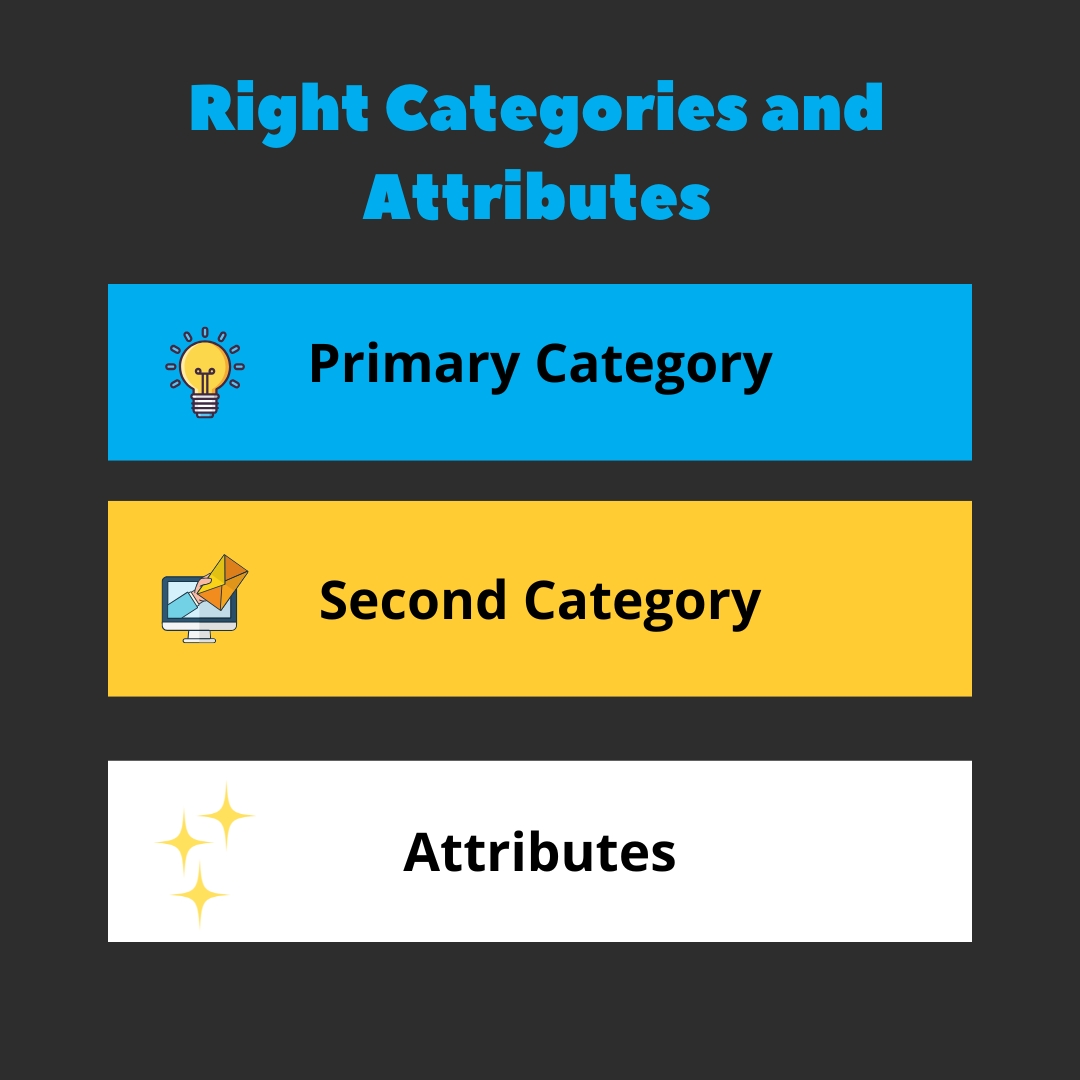
Selecting the most relevant primary and secondary categories ensures your business appears in searches related to your services.
Primary Category: Should reflect your main service (e.g., “Med Spa” or “TRT Clinic”).
Secondary Categories: Add related services like “Skin Rejuvenation” or “Hormone Therapy.”
Attributes: Highlight special features (e.g., “Women-Owned,” “Free Wi-Fi”).
Why it matters: Categories and attributes help Google match your business with relevant searches.
5. Upload High-Quality Photos & Videos
Visual content builds trust and engagement. Upload: ✅ High-resolution photos of your storefront, interior, and team. ✅ Action shots of your services in progress. ✅ Short videos (10-30 sec) showcasing your products, staff, or customer testimonials.
Why it matters: Businesses with photos get 42% more requests for directions and 35% more clicks than those without.
6. Manage & Respond to Customer Reviews
Encourage satisfied customers to leave reviews and respond professionally to all reviews, positive or negative.
Best Practices:
Ask for reviews via email, SMS, or in person.
Respond promptly to all reviews.
Address negative feedback with professionalism and solutions.
🔹 Want a tailored strategy to boost your Google Business Profile? Book a Roadmap Call today and let’s get your business in front of more customers!

7. Enable Messaging for Easy Customer Communication
Activate the messaging feature in your Google Business Profile to allow customers to contact you directly.
Turn on messaging in your GBP dashboard.
Set up instant replies to acknowledge messages.
Respond quickly to build trust.
Why it matters: Customers expect fast responses, and this feature increases engagement.

8. Post Regular Updates & Offers
Google Posts keep your profile active and engaging. Share: ✅ Promotions & special offers. ✅ Upcoming events or business updates. ✅ Blog posts, industry news, or tips.
Why it matters: Regular updates signal Google that your business is active and relevant.

9. Optimize for Keywords & Local SEO
Integrate relevant keywords naturally in your business description, services, and posts.
✅ Example: Instead of just saying “We offer facials,” say “We provide expert facials in Austin, TX, designed for all skin types.”
Why it matters: Keyword optimization helps your profile appear for relevant local searches.

10. Track Performance with Google Business Insights
Use Google Business Insights to track key metrics like:
How customers find your profile (search vs. direct traffic).
Actions taken (website clicks, calls, direction requests).
Most popular times for customer engagement.
Adjust your strategy based on these insights to improve visibility and conversions.
Why it matters: Data-driven decisions lead to better customer engagement and increased leads.
Additional Tips & Best Practices
✅ Create individual pages on your website for each service area. ✅ Use unique content for each location to avoid duplicate content issues. ✅ Embed a Google Map on your contact page for easy navigation. ✅ Regularly update your GBP profile with fresh content and accurate info.
Common Mistakes to Avoid: ❌ Ignoring negative reviews or responding emotionally. ❌ Keyword stuffing – use keywords naturally. ❌ Neglecting to update holiday hours.
Conclusion & Next Steps
By following these 10 essential steps, your Google Business Profile will be optimized for better local search visibility, increased engagement, and more customer conversions.
🚀 Want expert help optimizing your Google Business Profile? Book a Roadmap Call today and let’s maximize your local presence!
