
10 Essential Steps to Boost Your Google Business Profile for Maximum Visibility
Boost Your Google Business Profile for Maximum Visibility
Your Google Business Profile is more than just an online listing — it's a powerful tool to boost your local search rankings, attract more customers, and build trust with your audience. But if you're only setting it up and forgetting it, you're leaving money on the table.
Let’s walk through 10 essential steps to optimize your profile and stand out in local searches:
Ensure Your Profile Is 100% Complete Google rewards businesses with fully completed profiles. Include your business name, address, phone number, website, hours, and services. Don’t forget attributes like "women-owned" or "LGBTQ+ friendly" if applicable — these details build trust and attract the right customers.
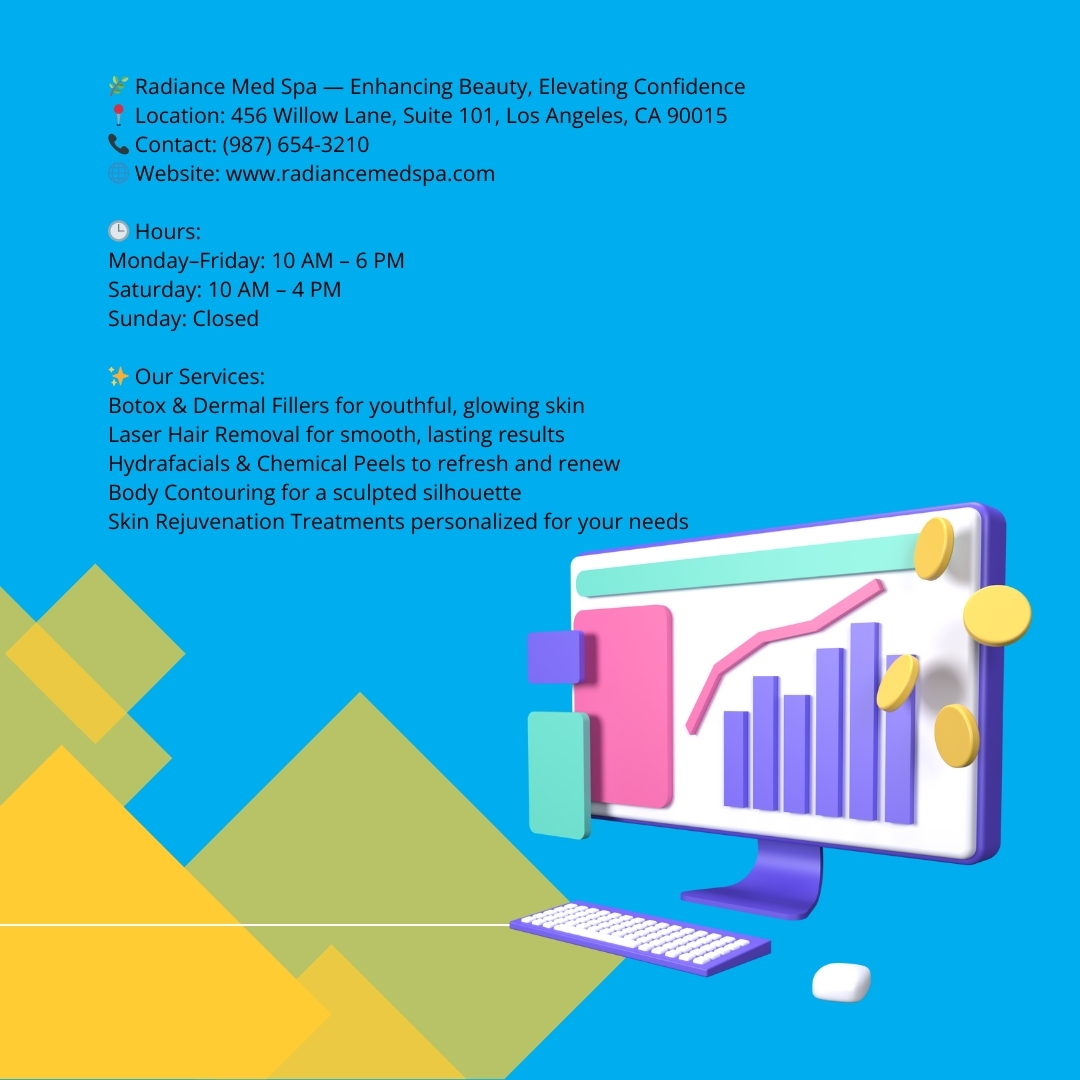
Pick the Most Accurate Categories Choosing the right primary and secondary categories is crucial. Be specific — “Medical Spa” works better than a generic “Spa.” Research what your competitors are using and align your categories to better match user search intent.
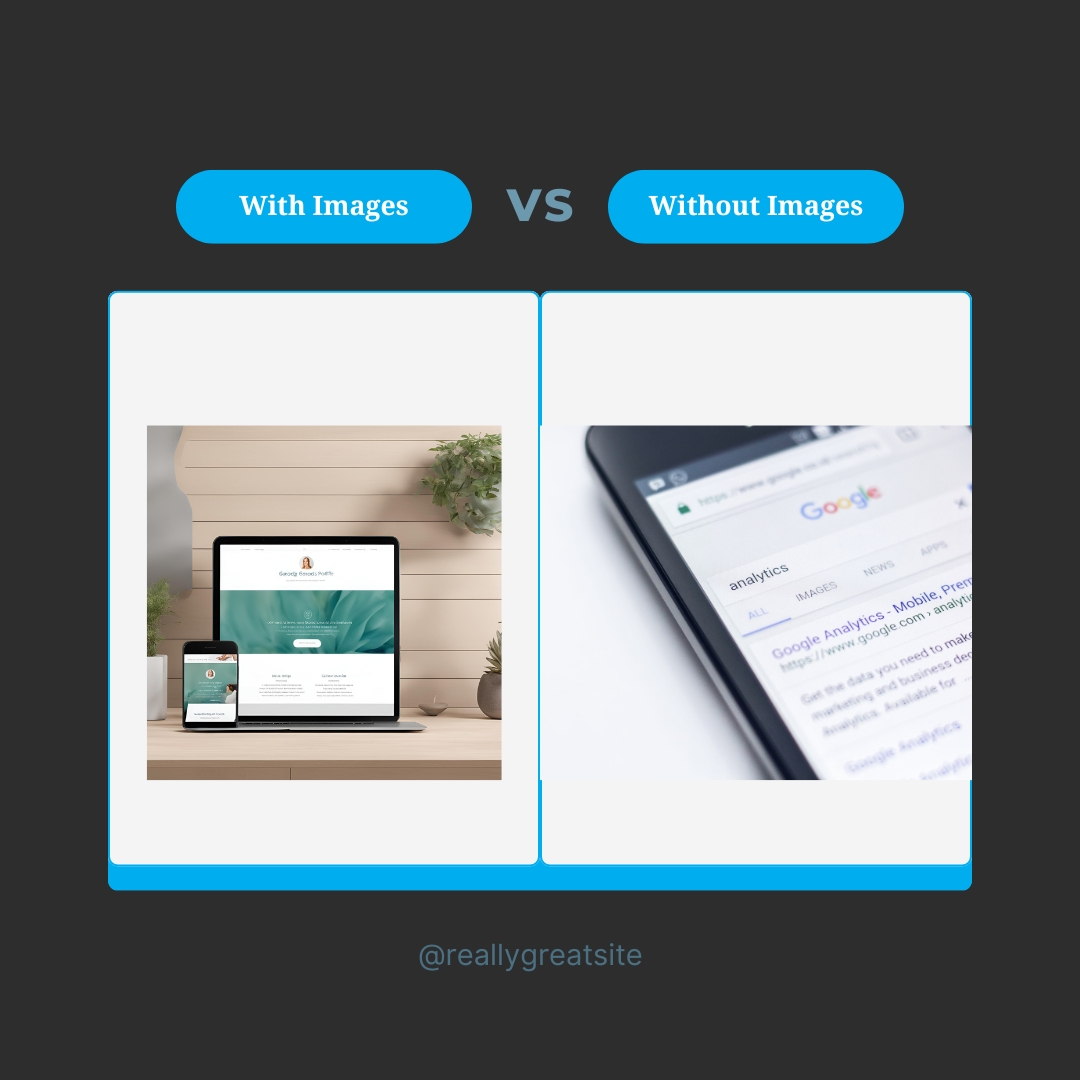
Showcase High-Quality Photos and Videos Businesses with photos receive 42% more requests for directions and 35% more click-throughs to their websites. Upload crisp images of your storefront, team, services, and products. Don’t forget short videos showcasing treatments, behind-the-scenes moments, or customer testimonials.
Optimize Your Business Description with Keywords: Use local SEO keywords naturally within your business description. Mention your core services and the areas you serve to increase your chances of appearing in relevant searches. Keep it professional but engaging — your description should highlight what makes you stand out.
Gather and Respond to Reviews: Positive reviews build credibility and influence rankings. Ask satisfied customers to leave feedback and always respond — whether it’s to thank them for a glowing review or to address a concern professionally. Pro tip: Keywords in reviews can also impact your SEO, so encourage customers to mention specific services they loved.
Post Regularly with Google Posts: Keep your profile active by sharing updates, offers, and events. Consistent posting shows Google — and potential customers — that your business is engaged and thriving. Treat Google Posts like mini social media updates tailored for local searchers.
Enable Direct Messaging: Activate the messaging feature so potential customers can reach you instantly. Quick responses not only build trust but also improve your responsiveness score, which can positively affect your ranking.
Highlight Your Products and Services: List your key offerings with clear descriptions and prices. This lets customers quickly see what you provide and helps convert views into leads. Consider adding limited-time offers or seasonal promotions to catch attention.
Add a Q&A Section: Use the Q&A section to answer common questions directly on your profile. Preemptively adding answers to popular questions reduces customer hesitation and enhances their experience by providing the info they need upfront. Pro tip: Seed this section with key details about your services or policies.
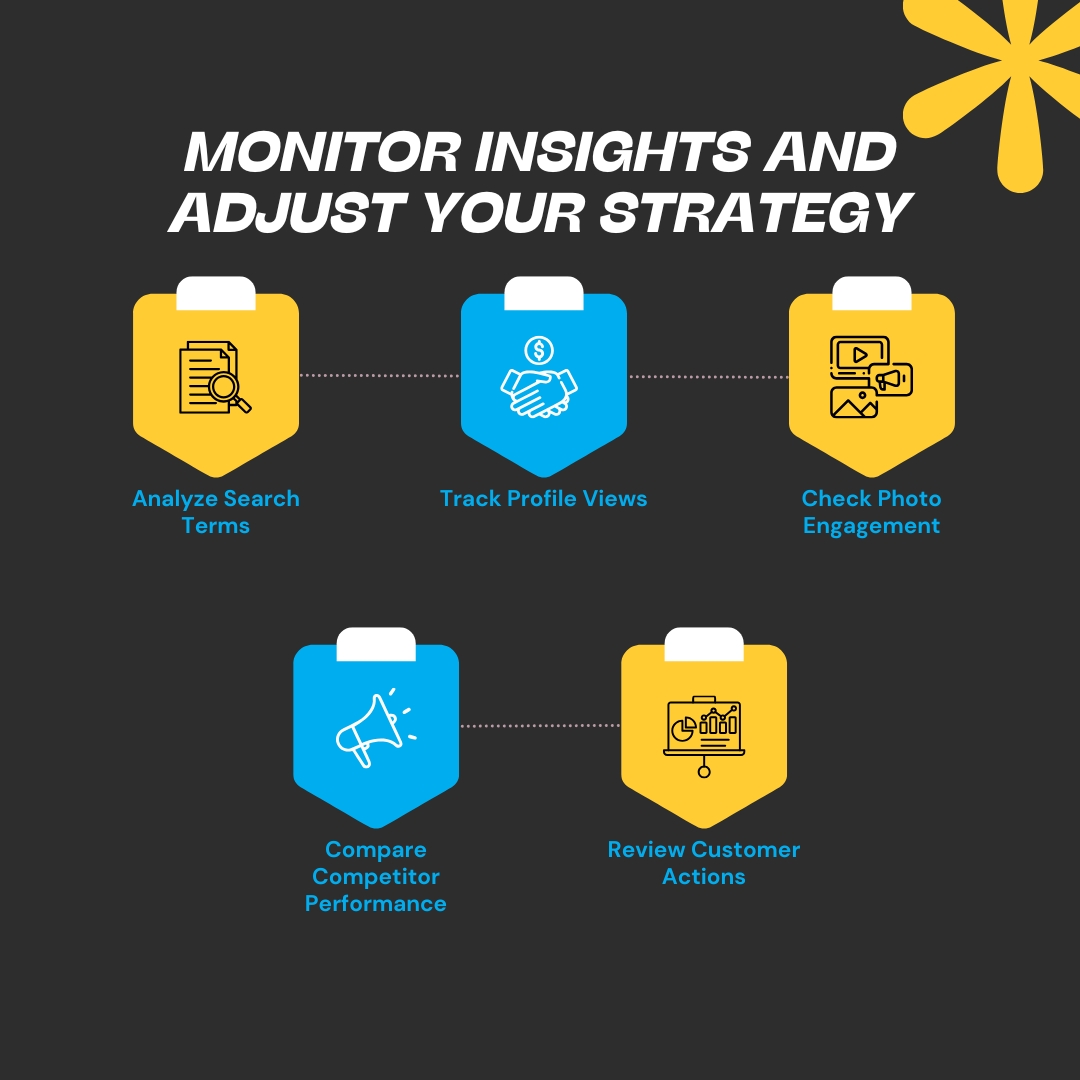
Monitor Insights and Adjust Your Strategy: Use Google’s Insights tool to track profile views, search terms, and customer actions. Review this data regularly and tweak your strategy to keep improving. Spot trends — like a spike in searches for a particular service — and create posts or promotions to capitalize on that momentum.
Your Google Business Profile isn’t set-it-and-forget-it — it requires regular attention. The more you optimize and engage, the higher you'll rank and the more local customers you’ll attract.
Ready to boost your local visibility and drive more leads? Start implementing these steps today — and watch your online presence grow!
